
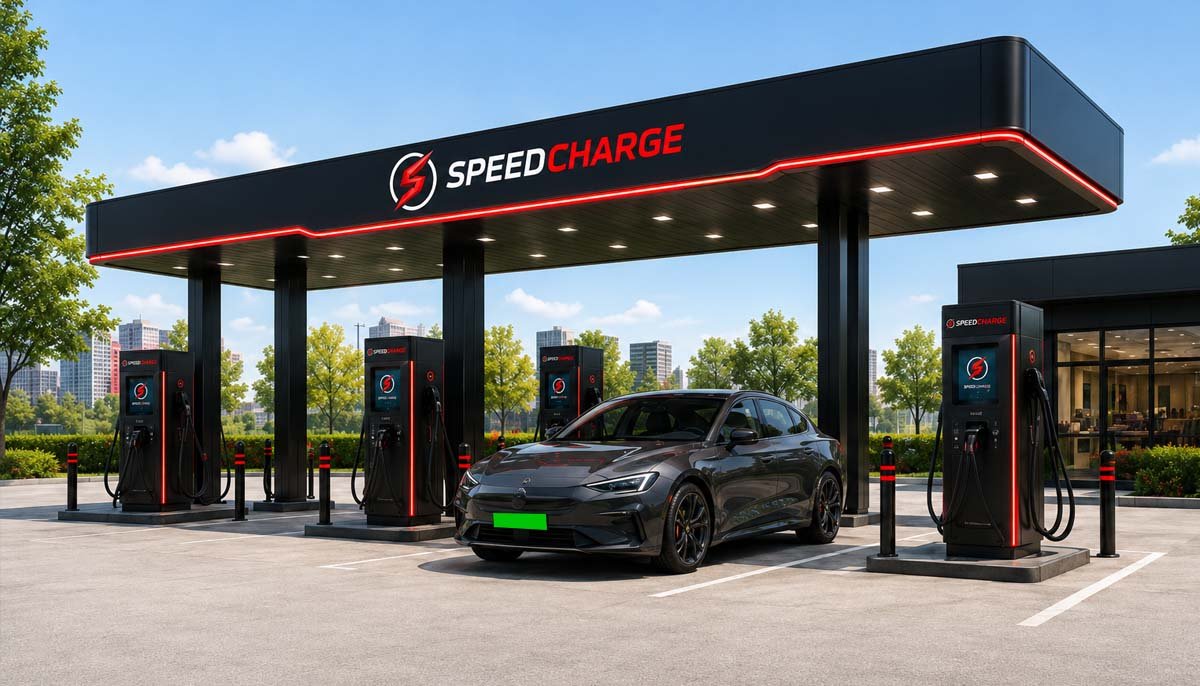
After payment, tap the SpeedCharge App to start charging.
And then follow these steps.

Take out the connector from the Charge Spot. Plug it into charging socket of EV.


How to Charge with SpeedCharge®
Choose your preferred charging method below to get started on India's fastest EV charging network.
Charging Through SpeedCharge App
- Scan the QR code to register on the SpeedCharge app to locate fast EV charging stations.
- Post registration, select the charging point via App.
- Click on ‘Pay as you Go’.
- Make the payment securely.
- After successful payment, insert gun into your electric vehicle.
- Press Start Charging.
- Enjoy charging on SpeedCharge network.
- Once your EV is charged, press Stop Charging in Application to stop the session.
- Remove the GUN and place it back in the holster of the EV quick charging station.
Charging through Charge-Thru
- Visit the SpeedCharge instant charging web portal.
- Scan the QR code on the charger connector.
- Mention the time duration or energy you wish to charge your vehicle.
- Make payment.
- Insert the GUN into the vehicle.
- Press Stop Charging to stop the session.
Charging Through RFID
- Select the charging point in the app.
- For payment, click on ‘Pay as You Go’ option.
- Proceed to make the payment.
- After successful payment, insert the gun into your electric vehicle.
- To ‘START’ swipe the RFID on the charger’s RFID reader.
- Once charged, press ‘STOP’ to end charging.
- Swipe the RFID again on the RFID reader.
- Remove the gun and place it back in the charger holster.
Do’s & Don’ts of Charging
Essential guidelines to ensure a safe, efficient, and hassle-free charging session for every user.
Do’s
- Respect First-Come, First-Serve Principle.
- Park the vehicle only in the designated space in front of the charger. Leave ample space for other users.
- Please ensure that your EV is parked in Parking Mode (P) with handbrake engaged before start of charging.
- In case of any emergency (smoke, fire, sparks), press the emergency button on the charger.
- Do contact customer care at 1800 120 3578 for any issue regarding charging, alarm light/sound etc.
- Place the charging gun back in the holster once charging is complete.
Don’t
- Don’t run the vehicle over the charger gun cable of the electric vehicle quick charge station.
- Don’t use keys, RFIDs, or any other object to navigate through the screen. Use only fingers.
- Don’t disconnect the charging gun when the session is in progress.
- Don’t turn on your EV during charging as it may interrupt your charging session.
- Don’t ignore anything unusual on the charging site, inform us immediately on 1800 120 3578.
Engineered for Every Electric Vehicle in India
SpeedCharge fast chargers support all major global and Indian connector standards, from ultra-fast 240kW CCS-2 DC guns to Type-2 AC destination chargers.
4-Wheeler Passenger & Premium EVs
The gold standard for fast DC charging in modern four-wheelers across India:
Commercial Fleets & Light EVs
Tailored high-efficiency charging for logistics, taxis, and fleet models:
SpeedCharge stations intelligently handshake with your vehicle's Battery Management System (BMS) to automatically regulate voltage, current, and temperature curves for optimal battery longevity.
Frequently Asked Questions
Everything you need to know about charging protocols, payment refunds, station safety, and vehicle compatibility.
How can I find a SpeedCharge charging station near me?
You can locate any SpeedCharge fast charging station easily through multiple platforms:
- SpeedCharge Mobile App: Real-time interactive station map showing live gun availability, connector types (CCS-2, Type 2, DC001), speed ratings, and dynamic pricing. Simply tap “Navigate” to launch turn-by-turn directions in Google Maps or Apple Maps.
- Website Station Finder: Visit our live Station Locator to search by city, highway corridor, or pincode.
- In-Car & Third-Party Navigation: SpeedCharge stations are discoverable across major in-car infotainment systems and aggregated EV map platforms.
Is SpeedCharge's network fully secure and reliable for EV charging?
Yes, SpeedCharge India is committed to delivering a bank-grade, secure, and ultra-reliable charging network:
- Strict Privacy Adherence: We adhere strictly to data privacy standards, protecting your personal credentials and charging telematics.
- Encrypted Payment Gateway: PCI-DSS compliant payment gateways with instant float refund guarantees eliminate transaction fraud.
- Real-Time Cloud Diagnostics: Chargers are continuously monitored 24/7 via OCPP 2.0.1 cloud protocols for automated fault recovery and up-to-date pricing.
- 24/7 Dedicated Support: Round-the-clock telephone and field technician assistance via toll-free helpline 1800 120 3578.
What are the steps to register on the SpeedCharge App?
Getting started on the SpeedCharge app takes less than 60 seconds:
- Download App: Available for free on the Apple App Store and Google Play Store.
- Create Account: Enter your mobile number and email ID.
- Verify via OTP: Complete instant verification via SMS OTP.
- Setup Vehicle & Payment: Add your EV model and preferred payment mode (UPI, Credit/Debit card, or Net Banking) for 1-click charging.
How can I make payments through the App for charging my EV?
SpeedCharge utilizes a seamless, transparent prepaid float system:
- Select Charger & Connector: Choose your station and available connector on the map.
- Pay-As-You-Go: Authorize payment using UPI, Credit/Debit Card, or Net Banking.
- Automatic Float Refund: The pre-authorized amount is held temporarily only for the active charging duration. Upon session completion, any unused balance is instantly and automatically refunded to your original source payment account, accompanied by an instant confirmation SMS with refund transaction ID.
- Connect & Charge: Insert the charging gun into your EV, tap “Start Charging” in the app, and enjoy high-speed power delivery.
Can I have full control and visibility of my payment and charging history?
Yes! In the SpeedCharge App, navigate to Charging > Completed Sessions to view comprehensive telemetry logs, energy delivered (kWh), total cost breakdown, date-range filters, and download GST-compliant tax invoices for personal or corporate expense filing.
What are the steps to charge my EV using a SpeedCharge RFID card?
RFID cards provide rapid, 1-touch authentication even in low-connectivity underground parking lots:
- Select the connector point in the app or on the charger interface.
- Plug the charging gun securely into your EV.
- Tap your SpeedCharge RFID card on the illuminated RFID sensor reader to START power delivery.
- Once charged, tap the RFID card again or press STOP on the charger display to end session.
- Return the gun to its holster. For RFID inquiries, contact 1800 120 3578 or email support@speedcharge.in.
What are the steps to charge via Instant Web (Charge-Thru)?
No app install required! Follow these quick steps:
- Scan the QR code located directly above the charging connector on the station with your smartphone camera.
- Select your target charging units (time or kWh duration).
- Complete quick payment via UPI or debit/credit card.
- Plug the charging gun into your electric vehicle.
- Once done, tap “Stop Charging” on your mobile web screen and return the gun to its dock.
What should I do if the charging gun gets stuck in my EV?
If the connector latch does not release automatically, follow this safe checklist:
- Confirm Session Has Ended: Ensure the session status shows “Completed/Stopped” on the app or charger screen.
- Unlock Your Vehicle: Many modern EVs (like Tata, MG, Hyundai) lock the charge port when the car doors are locked. Press the “Unlock” button on your car key fob twice to release the solenoid lock.
- Gentle Release: Press the mechanical latch release button on top of the gun handle and pull gently straight outwards.
- Contact Support: If it still does not release, never yank or force it. Call our 24/7 Emergency Line immediately at 1800 120 3578 for remote unlock assistance.
What is your emergency helpline number? Do you provide 24x7x365 support?
Yes, SpeedCharge operates a dedicated 24x7x365 customer care team. For urgent charging queries or on-site support, call our toll-free line at 1800 120 3578 or email us at support@speedcharge.in.
When should I press the Emergency Stop button on the charger?
The large red Emergency Stop button cuts off all high-voltage power instantly. Only press it during critical safety hazards:
- In the event of smoke, electrical fire, or visible sparks.
- If an active physical danger or cable breach poses an immediate hazard to people or vehicles.
Please note: For regular session stoppage, always use the App or RFID. Pressing the emergency switch needlessly takes the charger offline for subsequent drivers. If activated accidentally, rotate the button clockwise to reset it.
What payment methods are supported on SpeedCharge?
We support all major digital payment instruments: UPI (Google Pay, PhonePe, Paytm, BHIM), Credit/Debit Cards (Visa, MasterCard, RuPay), Net Banking, SpeedCharge Corporate Fleet Credits, and SpeedCharge RFID Cards.
Where can I view applicable charging tariffs and rates?
Real-time per-kWh electricity tariffs, applicable peak/off-peak rates, and parking fee policies are displayed transparently inside the SpeedCharge App before you start each charging session, as well as on our official website.
Which electric vehicle models are compatible with SpeedCharge chargers?
SpeedCharge chargers are universally compatible with all modern 4-wheeler, 3-wheeler, and 2-wheeler EVs in India:
- CCS-2 DC Fast Charging: Tata Nexon EV, Curvv EV, Punch EV, MG ZS EV, Windsor EV, Hyundai Ioniq 5 / Kona, BYD Atto 3 / Seal / e6, Mahindra XUV400, Kia EV6, Volvo EX40 / XC40, BMW i4 / iX, Mercedes-Benz EQB / EQS, Audi e-tron, Jaguar I-PACE, etc.
- DC001 (GB/T) & Type 2 AC: Tata Tigor EV (Fleet), Mahindra eVerito, Ather, Ola, TVS iQube, Euler, and commercial three-wheelers.
Can I monitor my EV charging progress remotely while dining or working?
Yes! The SpeedCharge App streams live session data in real time, displaying current State of Charge (SOC%), kilowatt speed, elapsed time, energy drawn (kWh), and dynamic bill amount so you can relax away from your vehicle.
What are the operating hours of SpeedCharge charging stations?
All SpeedCharge public and highway charging hubs operate 24 hours a day, 7 days a week, 365 days a year on an automated, seamless self-service model.
Do I need an active internet connection to charge my vehicle?
An internet connection is required when initiating charging via the mobile app or browser QR code. However, in low-connectivity zones or basement garages, your SpeedCharge RFID card works offline to trigger authorized charging sessions instantly.
Ready to Experience High-Speed EV Charging?
Join thousands of EV drivers across India powering their journeys with SpeedCharge. Locate your nearest station or contact our franchise and fleet support team.